
Keeping yourself safe online
In an increasingly digital world, it’s important to make sure you are only sharing your information with people and organisations you trust.
Do you lock your door at night? Do you keep a firm grip of your bag in a crowd? Cybersecurity is just as important.
Read on for the three most useful things you can do to protect yourself online.
1. Use Multi-Factor Authentication
Multi-Factor Authentication (MFA) helps stop 99% of automated online attacks. This webpage has lots of information about what it is, why you need it, and how to set it up on your university account.
But don’t stop there—protect all your most important accounts:
- social media
- internet banking
- even online shopping.
You can enable MFA for your University accounts by following our MFA student guide.
2. Use long, strong, and unique passwords
Long, unique passwords take billions of years to crack. Weak passwords take milliseconds.
How to create a long, strong, unique password
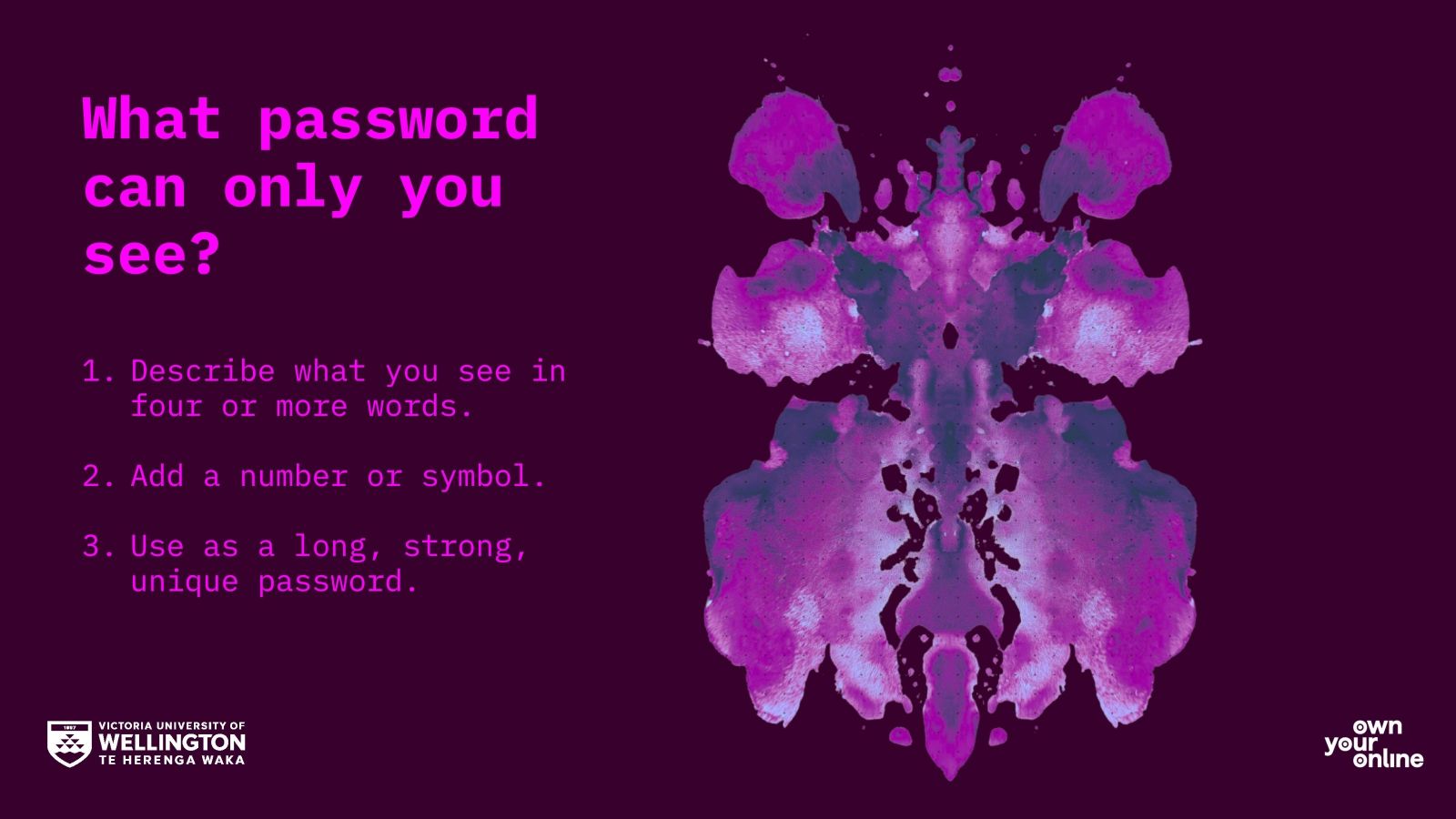
- Combine four or more unrelated words, numbers, and symbols—get creative!
- For example, ‘Apric0tcouchsoup=!’
- Use the inkblots below to inspire your creativity.
- Use different passwords for every online account you have.
- Keep your passwords somewhere safe, like a password manager, and never share them with other people.
View gallery
3. Think before you click
Is that link disguised as something else? Hover your mouse over it to unmask its true identity.
If in doubt...don’t click.
If you think you have received a suspicious link, you should report it to the Digital Solutions Service Desk. Email servicedesk@vuw.ac.nz, call 04 463 5050 or free text 8676.
More tips to make sure you keep yourself safe online
- Look after your personal details in the same way you would your personal possessions.
- Don’t trust anyone who calls you and asks for your financial-related information, such as your account details and password. Simply hang up, call them on their published contact 0800 number or arrange a meeting at the relevant agency branch.
- Be aware of common scams. Banks, companies, Embassies, Consulates, Immigration New Zealand, and other government departments will never email, call, or text customers to ask for personal details. They'll never ask for passport information, credit card numbers, passwords, pin numbers, or for money to be sent using money transfer services. If you receive a request like that, it's a scam.
- For more information about how to stay safe and secure online, check out the OwnYourOnline guides. Own Your Online was created as part of the government’s work on cybersecurity awareness.
- If you receive a phone call threatening you or your family, hang up and call the police immediately on 111.
- If you believe you have been targeted by a scam, report it immediately by visiting the Consumer Protection’s Scamwatch website.